MAX
Editor

Cargando…
Tutorial
Time: a few minutes
Needs: AI, Companion
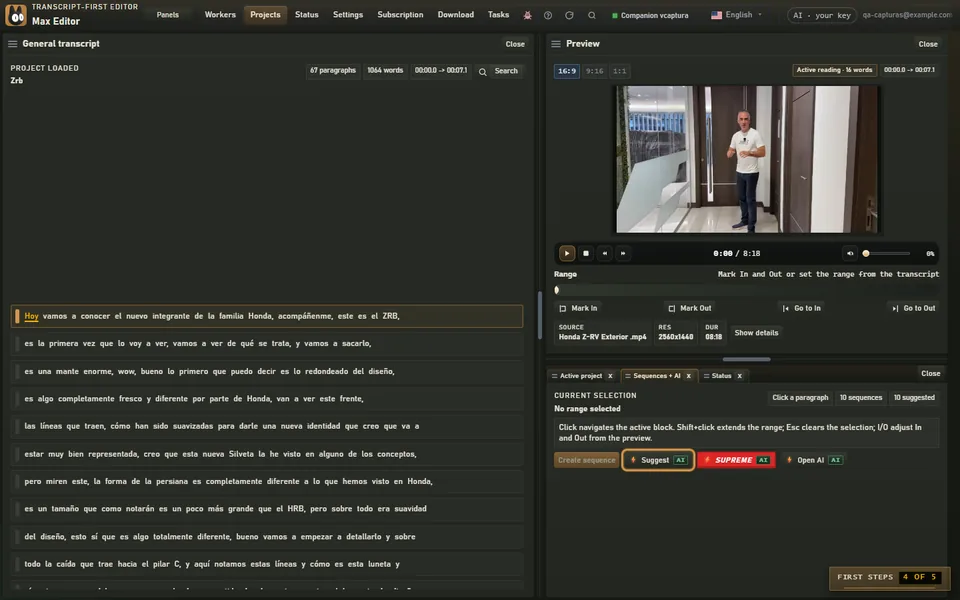
With the project transcribed, in the “Sequences + AI” panel, click Suggestt}**.
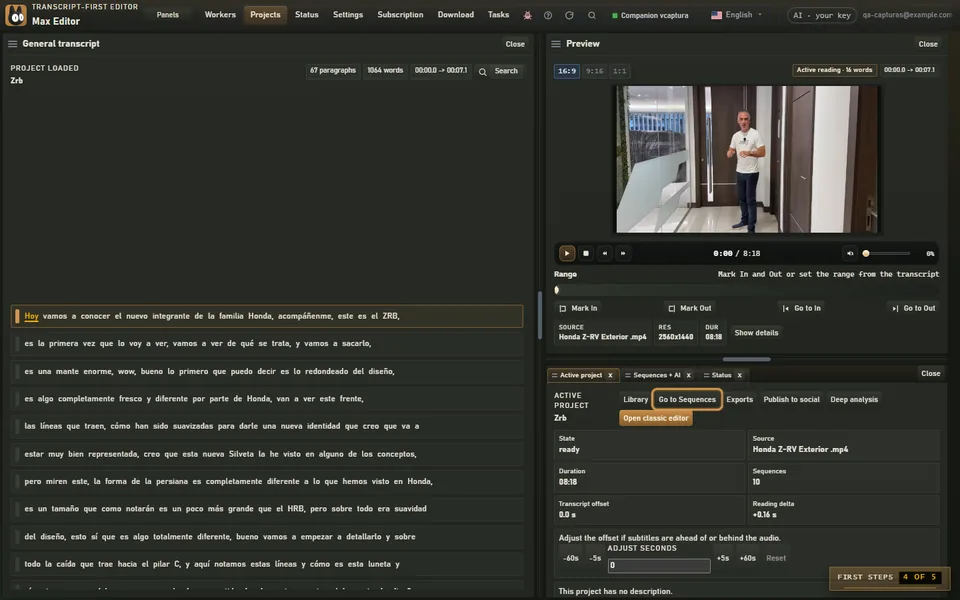
When it's done, click Go to Sequencess}** to see what it proposed.
Under “Suggested sequences”, review each card and click Save sequencee}** on the ones you like.
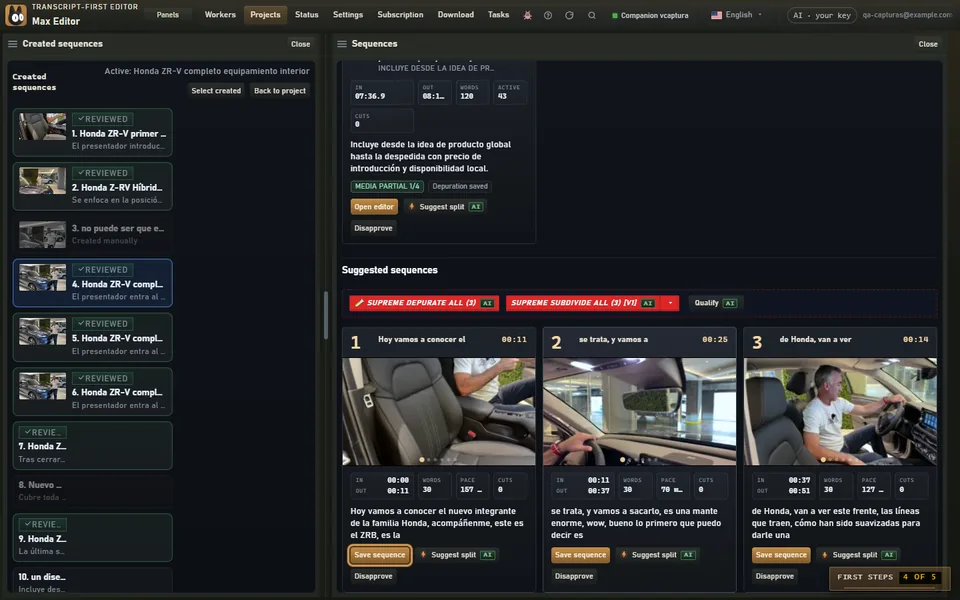
Suggest reads the script and groups the best moments by topic: each proposal is a sequence you can open, polish and export. You decide which ones stay.
If the project already has proposals, Max asks before requesting new ones, so you don't use more AI than you need.